
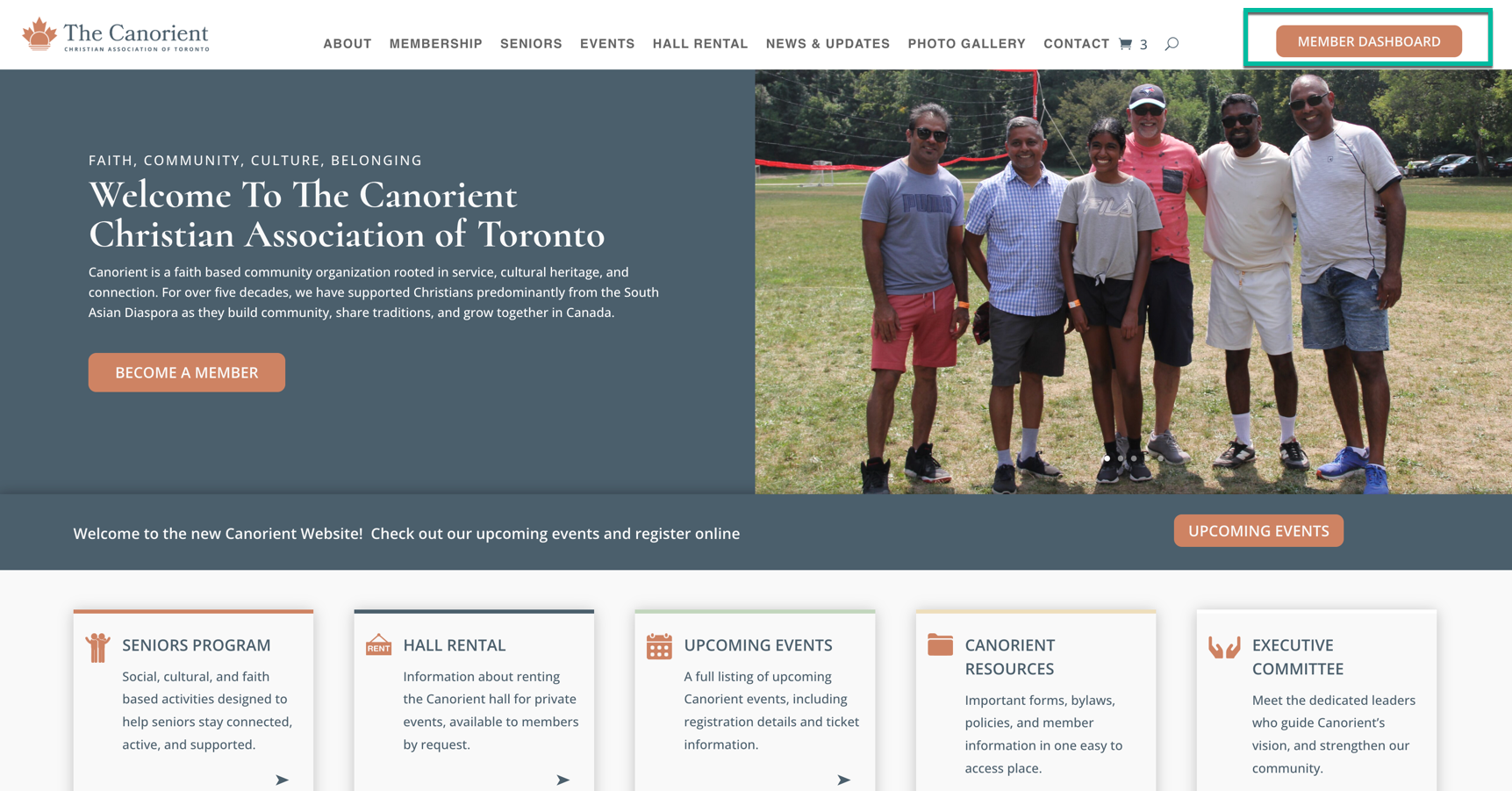
The Member Dashboard is where you check your membership, update your details and renew. You can reach it from the Member Dashboard button at the top right of every page on the website.
Steps
- Click Member Dashboard at the top right of any page.
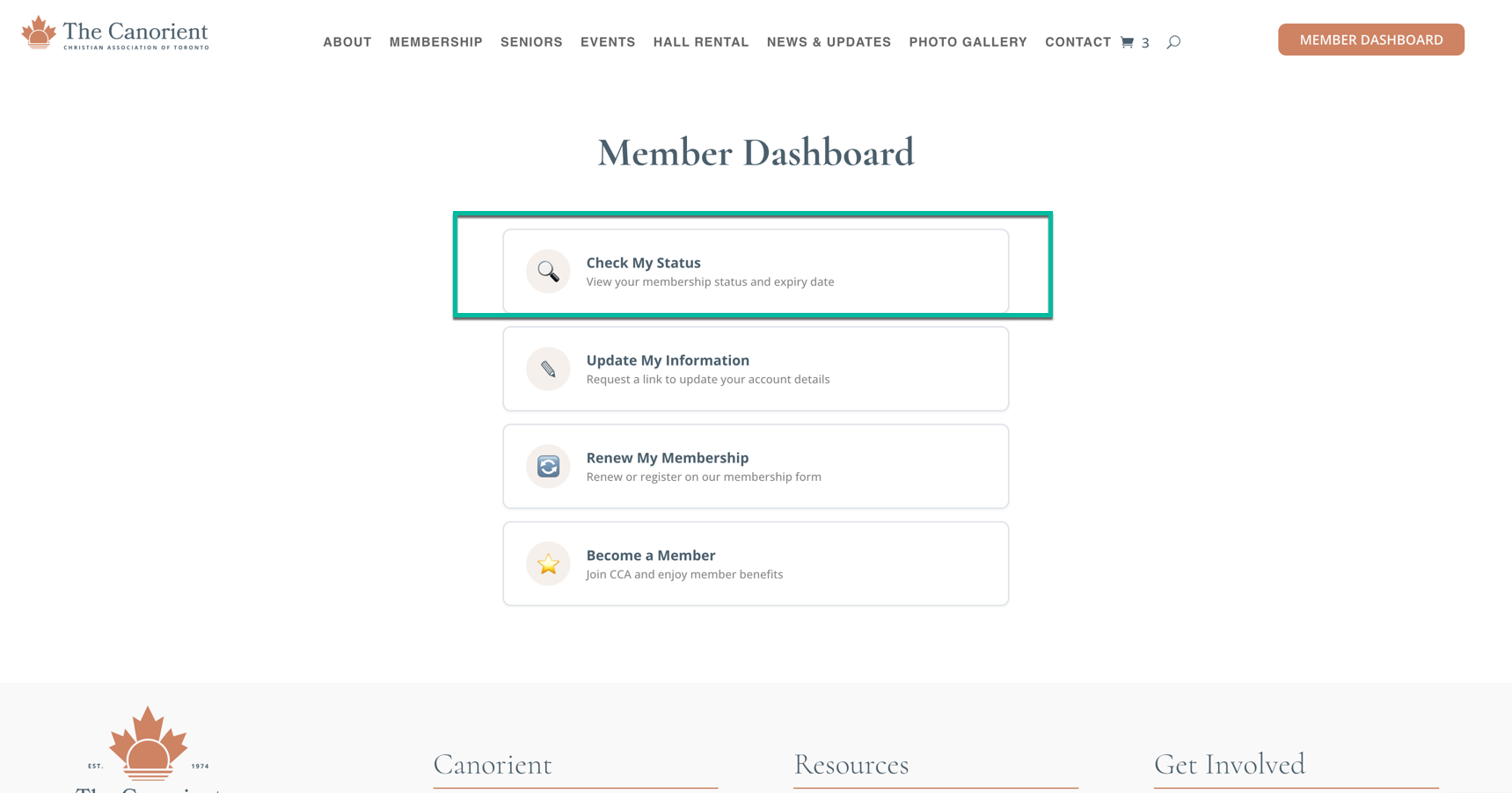
2. Choose the Check My Status tile.
3. Enter the email address the club has on file for you.
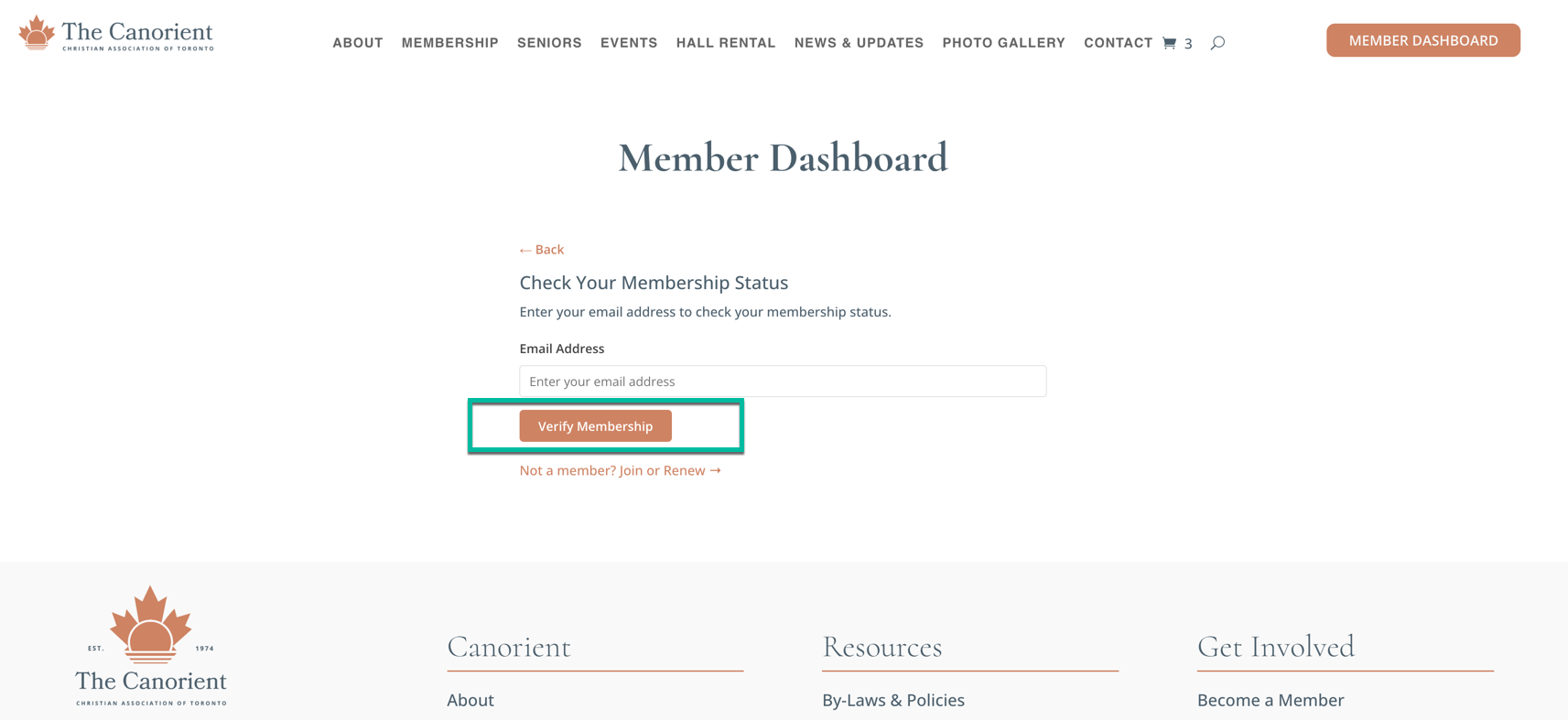
4. Click Verify Membership.
If your membership is active you will see a green Active Member badge, followed by your name, membership type and expiry date.
If it says your membership is not active
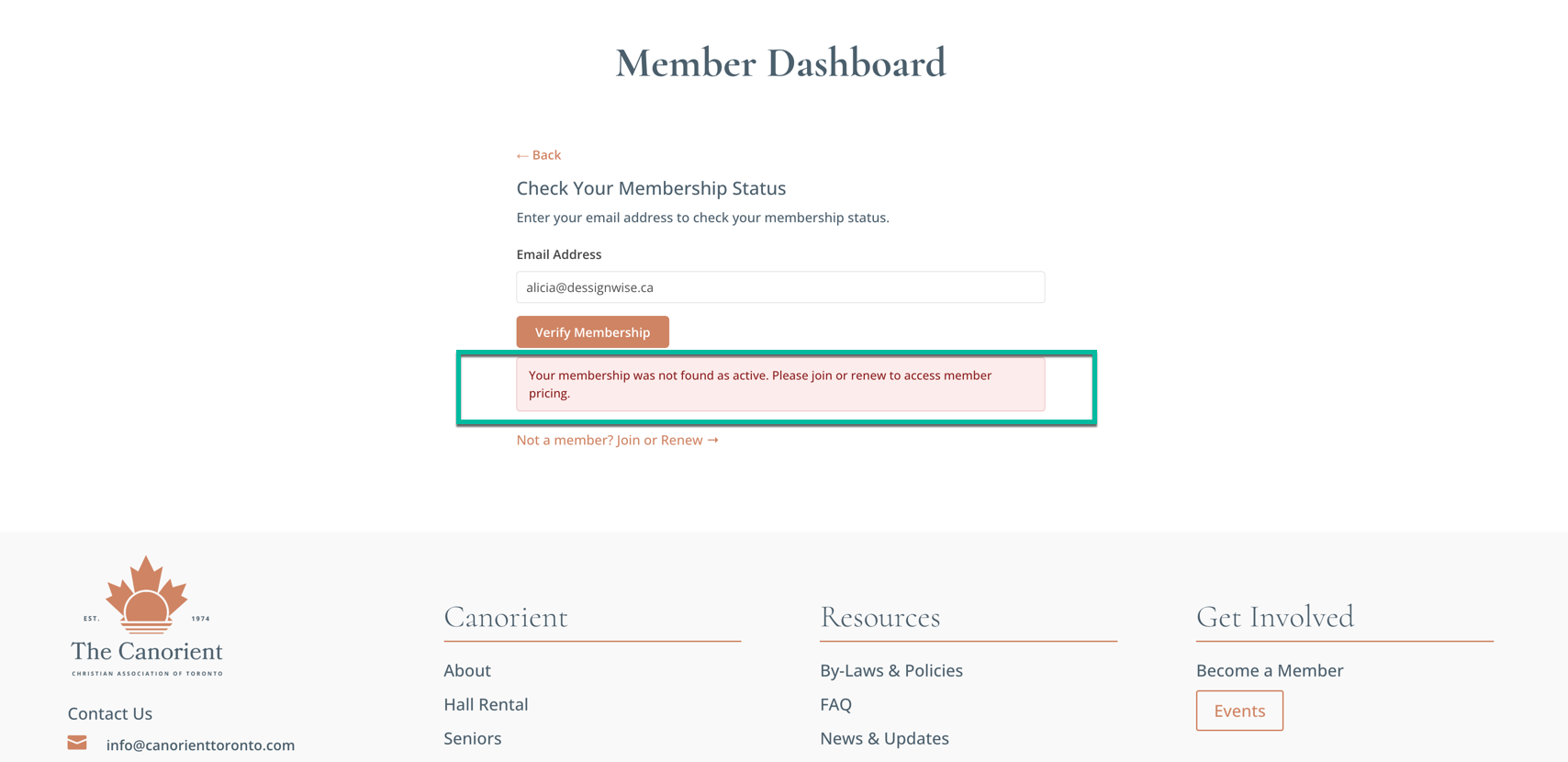
A red notice appears reading “Your membership is not active. Please renew to access member pricing and member benefits”, with a Click here to renew button that takes you straight to the membership form. There is also a Not a member? Join or Renew link beneath the button.
This message appears both when your membership has lapsed and when the email address is not on our records at all, so it is worth trying any other address you may have given the club.
If nothing is found
You have three attempts. After that the form pauses for about 15 minutes and points you to the Membership Director instead. If the address you entered is not on our records, you will also receive an email confirming that no membership was found, so you are not left wondering.
Still stuck? Contact the Membership Director at membership.director@canorienttoronto.com.